Support Our Mission

Your generosity helps PFCED scale educational opportunities, advance values-driven programs, and form complete development networks.

What Your
Donation Supports

Your support will help PFCED continue its mission of forming individuals who are grounded in values and prepared to serve society.

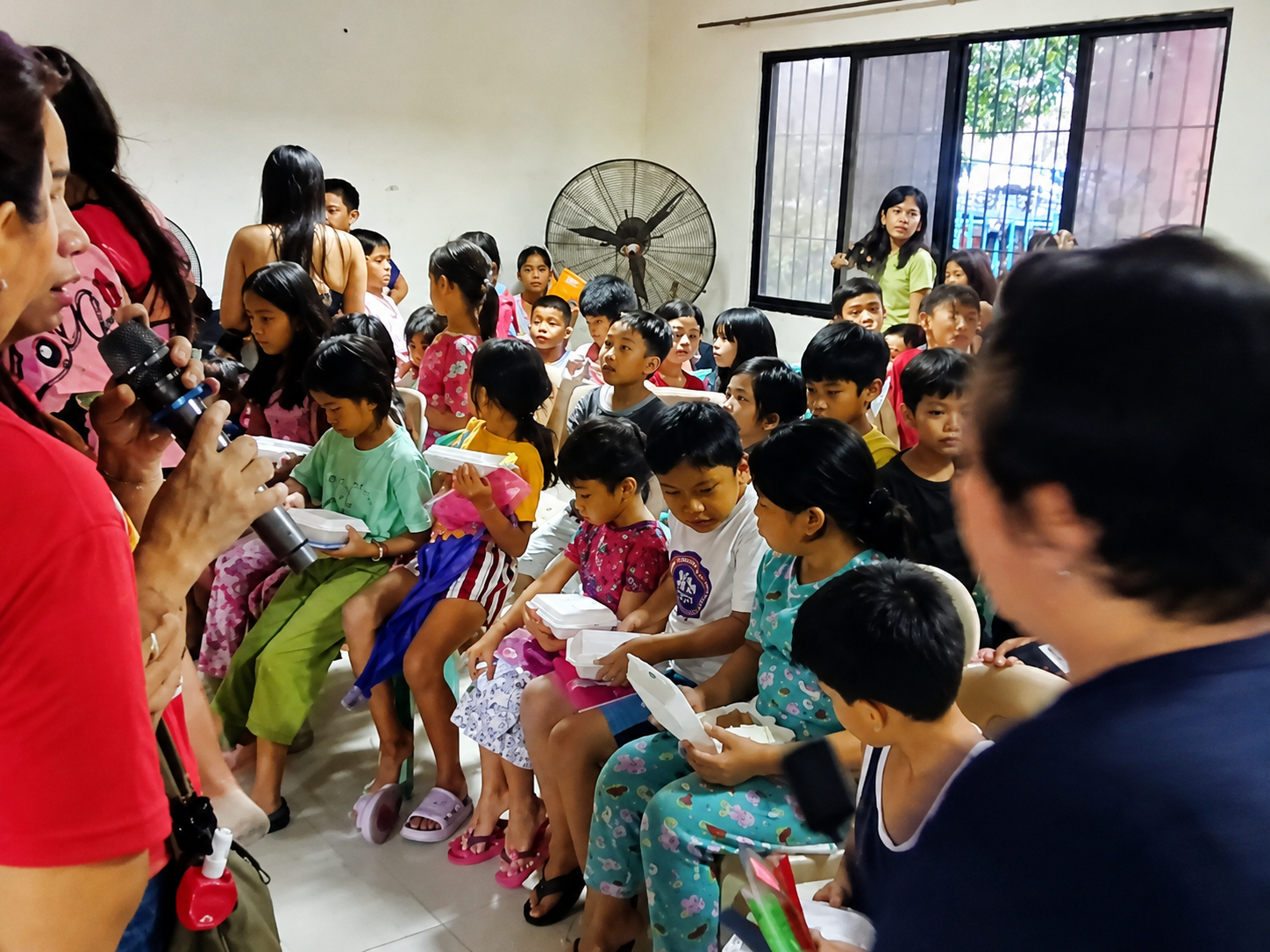
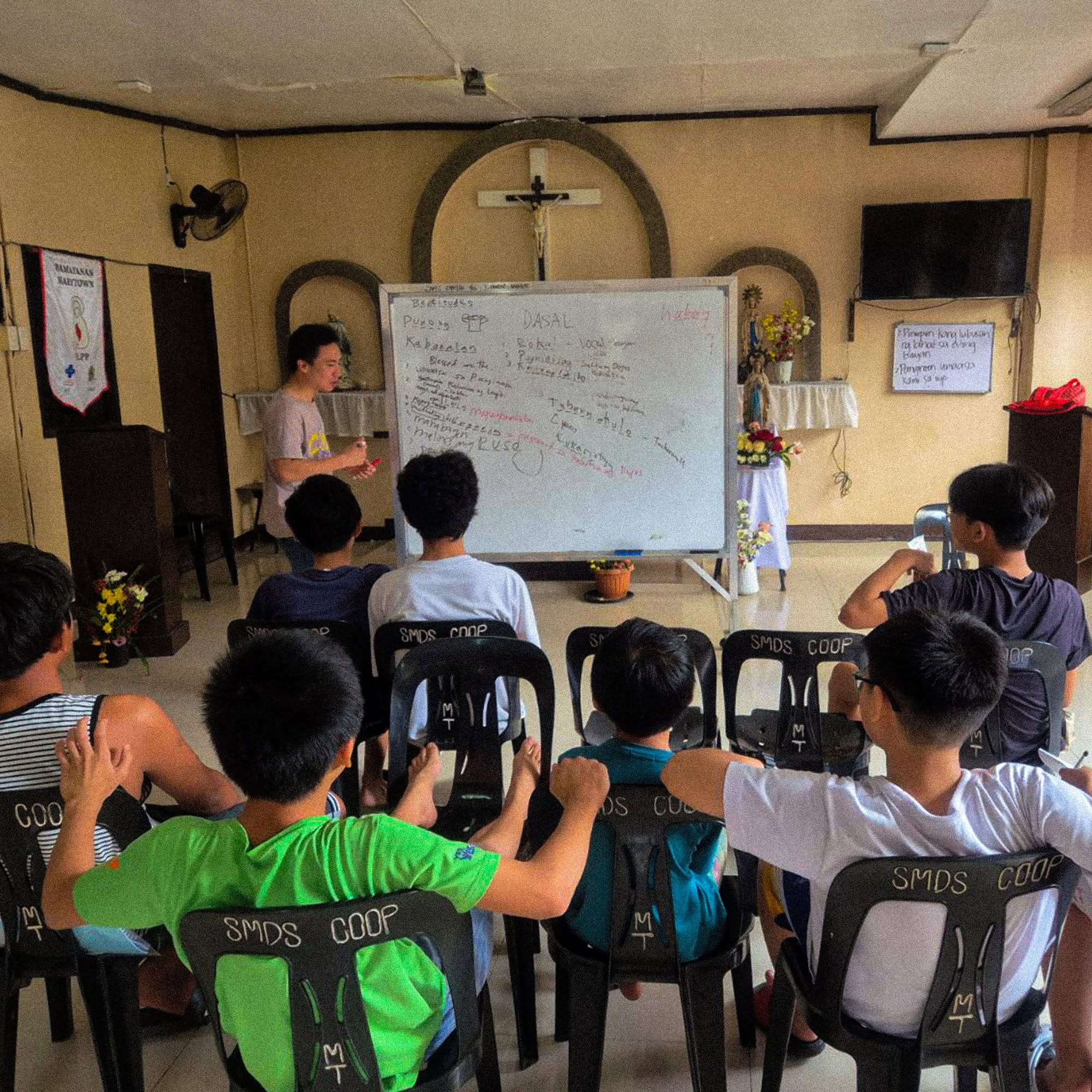
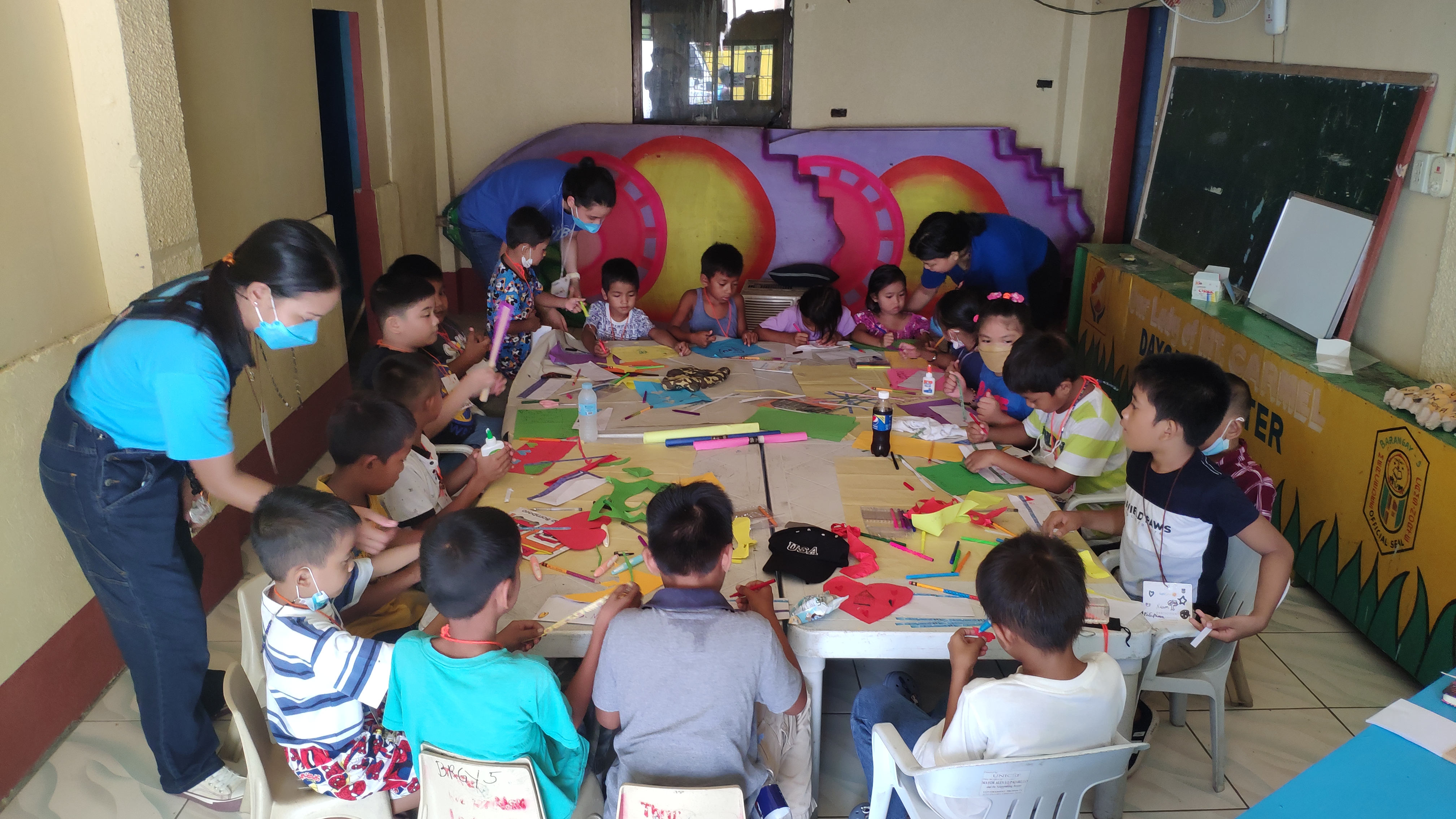
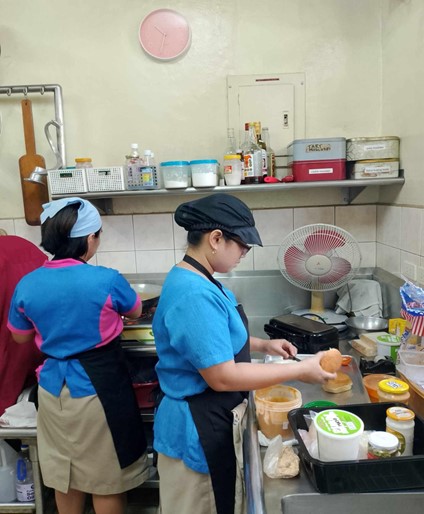
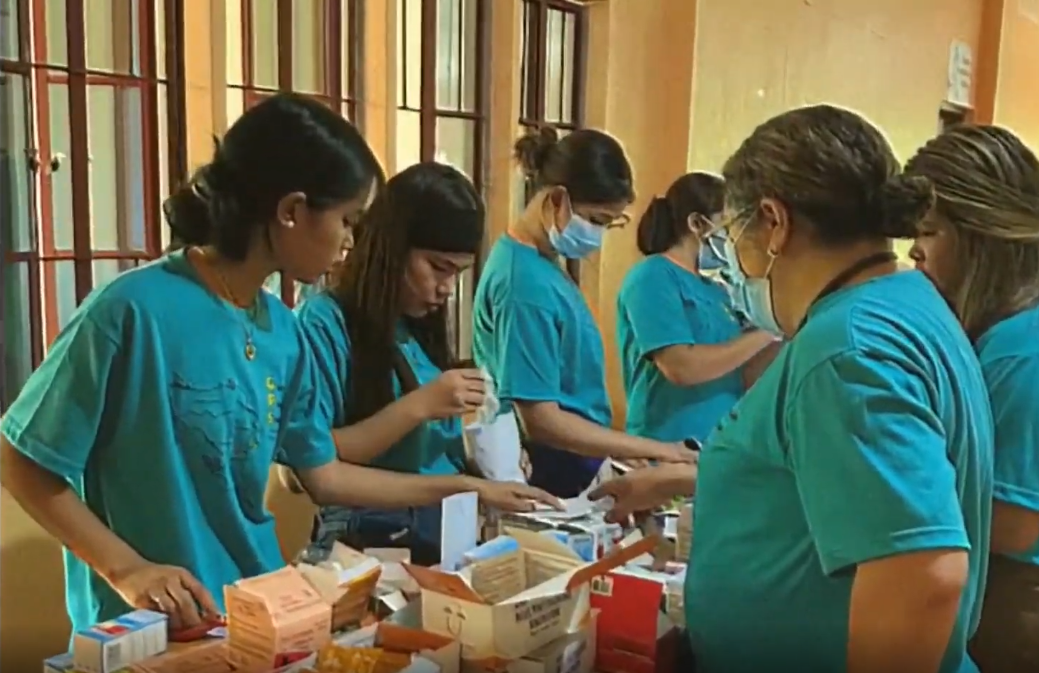
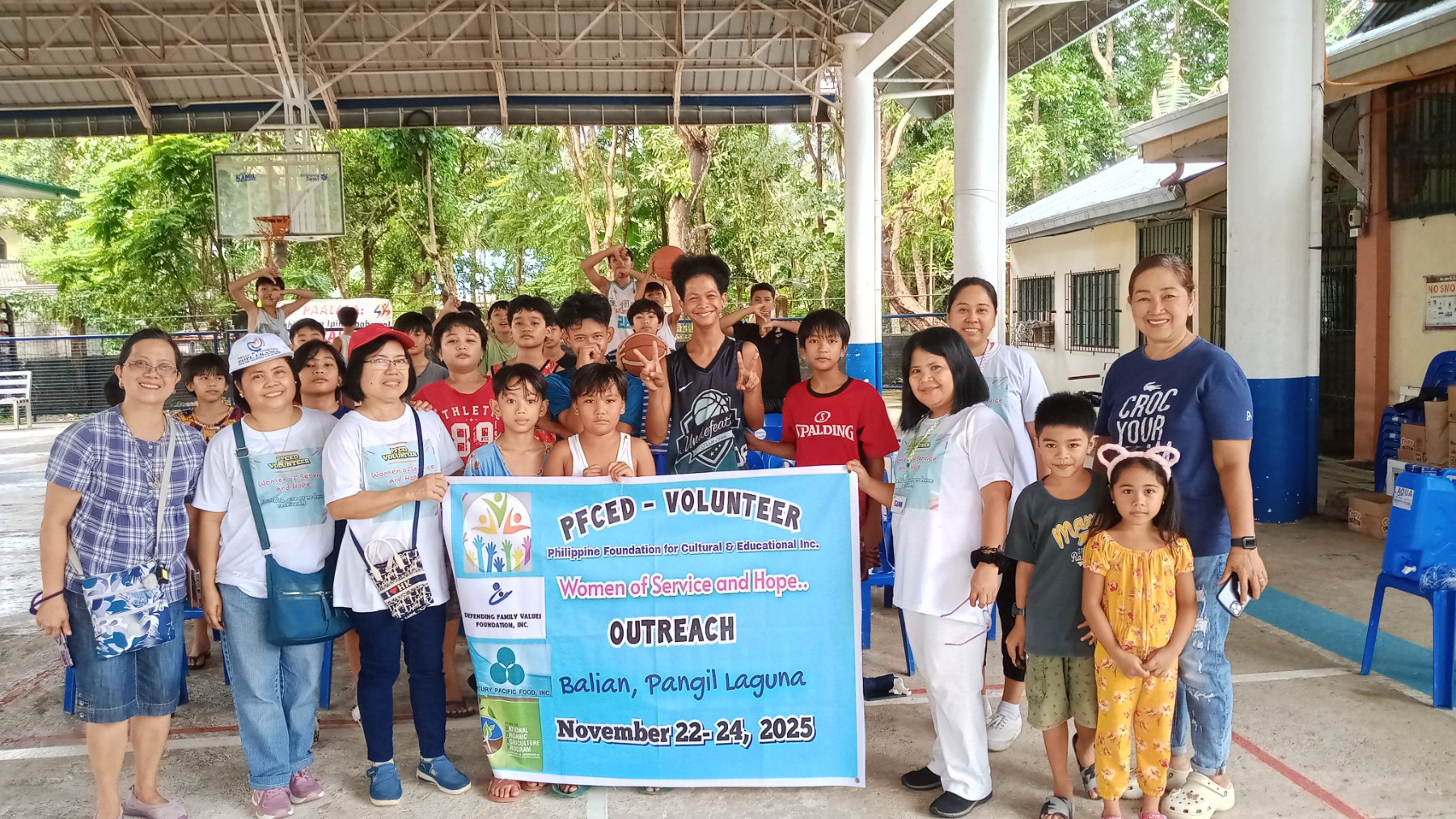
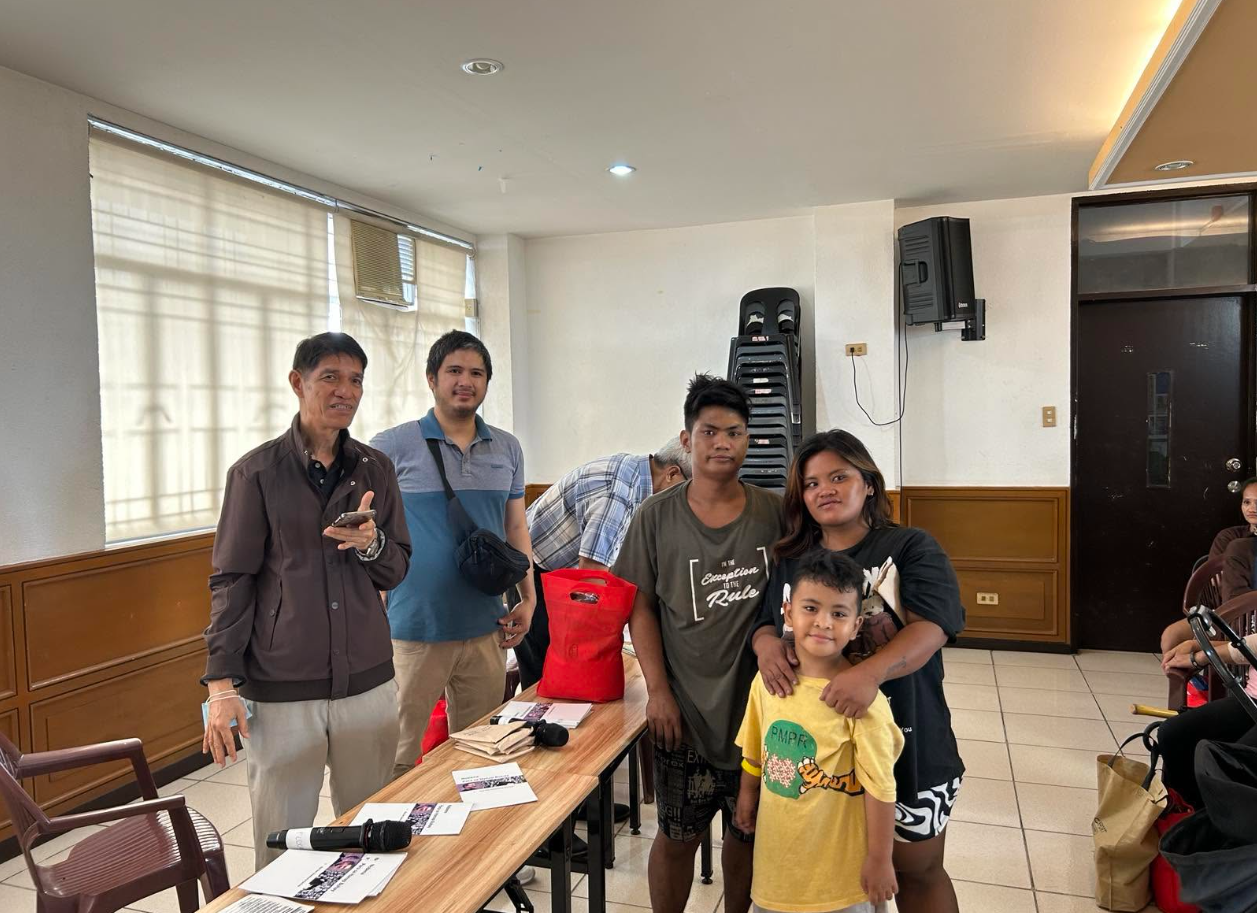
Through study and cultural centers, retreat and conference facilities, student mentorship programs, and formation activities rooted in Christian values, we are able to provide spaces and opportunities for learning, reflection, and growth.

Donations directly help sustain and expand these programs for more individuals, families, and communities in need of formation and support.

Slide 1
Slide 2
Slide 3
Slide 4
Slide 5
Slide 6
Slide 7
Slide 8
Slide 9
Slide 10

If you wish to donate, you may send them through:

Bank Transfer

Account Information

Bank Account Details for Women
Account Name: Philippine Foundation for CED, Inc.
Bank: Bank of the Philippine Islands (BPI)
Account Number: 0321 0229 87
Bank Account Details for Men
Account Name: Philippine Foundation for CED, Inc.
Bank: Bank of the Philippine Islands (BPI)
Account Number: 0321 0202 08
Instructions
  1. 1 Login to your preferred bank's mobile app or online banking.
  2. 2 Select transfer funds / send money to another bank.
  3. 3 Choose BPI as the destination bank and enter account details.
  4. 4 Enter your donation amount.
  5. 5 Review your transaction details.
  6. 6 Save your proof of payment or screenshot.
  7. 7 Send us your donation confirmation via email.
BPI eDonate Logo

Donate via BPI eDonate

Support PFCED through BPI eDonate with just a few easy taps.

Instructions
  1. 1 Open your BPI App and click "More Services".
  2. 2 Scroll down until you see "eDonate" under Payments & Wallets.
  3. 3 You will be redirected to the BPI eDonate Page.
  4. 4 Scroll down and click the PFCED logo.
  5. 5 Fill out the details then click "Donate Now".
  6. 6 Log in to your BPI Online Account to complete the transaction.

Scan QR Code via GCash

GCash QR Code

Official PFCED GCash QR

Instructions
  1. 1Open your GCash App and log in to your account.
  2. 2Tap QR / Scan at the bottom of the screen.
  3. 3Point your camera at the QR code shown here, or upload a saved screenshot of it.
  4. 4Enter your donation amount and confirm the transfer.

GCash GBayanihan

Support us through GBayanihan.

Instructions
  1. 1Open your GCash App and log in.
  2. 2Search for or tap the gBayanihan feature inside the app.
  3. 3Search for PFCED from the list of verified partner organizations.
  4. 4Enter your details and donation amount to proceed.

Paypal

Donate securely and conveniently using your credit or debit card through Paypal.

Instructions
  1. 1Click the Donate via PayPal button to open our secure gateway.
  2. 2Log in to your PayPal account (or choose Guest Checkout if available).
  3. 3Enter your intended donation amount and select your currency.
  4. 4Review the details and confirm your transaction.
Instruction Pubmat
Pinch to zoom or drag to move image area.
With Sincere Gratitude

Thank You for Your Generosity.

Your kindness helps build a better future and transforms lives through foundational values, complete learning frameworks, and localized structural development support.

Our Core Philosophy

“Building Character. Shaping Culture. Transforming the Nation.”